Sky Germany iCam Channel List
SkyDE channel list (userbouquet): UPDATED: 18.08.2026
Oscam icam openatv/openpli/vti/newnigma 11866 version
Update the channel list manually:
1) Download the file userbouquet.SkyDeIcam.zip from the website.
2) Extract the archive.
3) Upload the file userbouquet.SkyDeIcam .tv via FTP to the folder /etc/enigma2.
4) On your receiver, go to the directory /etc/enigma2 and open the file bouquets.tv. Insert the following line before the Favorites bouquet:
CodeSelect
#SERVICE 1:7:1:0:0:0:0:0:0:0:0:FROM BOUQUET „userbouquet.SkyDeIcam.tv“ ORDER BY bouquet
You can also export the channel list using the program DreamboxEdit.
Then restart the receiver.
Update the channel list with the IPK plugin
1) Download the IPK plugin -enigma2-plugin-userbouquet-skydeicam_20250818_all.ipk.
2) Upload the file to a USB stick.
3) Plug the USB stick into the receiver.
4) Install the plugin via the menu.
Note! Depending on the firmware version, installing the plugin may differ. For example, on some firmware versions the plugin must first be uploaded via FTP to the /tmp folder.
UPDATED: 18.08.2026. Affected channels:
Updated channels:
Sky Sport 6
Sky Sport 7
Sky Sport Bundesliga 6
Sky Sport Bundesliga 7
Sky Sport Austria 7
Sky Sport Austria 8
Automatic update of the channel list and iCam:
There's an easier method that avoids complex processes.
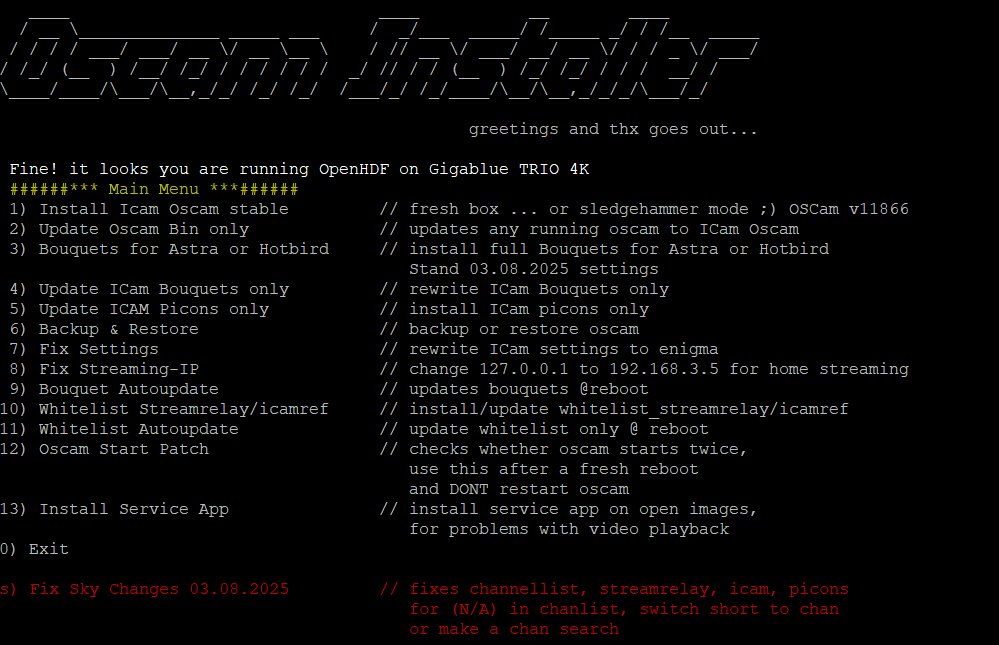
Simply connect with Putty and paste the provided script into the Putty screen.
Please remember to back up your data before proceeding.
Klicken Sie auf die Schaltfläche, um den Text aus dem Textfeld zu kopieren..
Für dieses Tutorial benötigen Sie.
Material:
Openatv image : DOWNLOAD
OpenBH image: DOWNLOAD
OpenPli image : DOWNLOAD
DreamBox, DM920, DM900, DM7080, DM820, DM525, DM525
Vu + ZERO, UNO, DUO, DUO 2, ULTIMO, SOLO, SOLO 2, SOLO SE, zero 4K, Uno 4k, solo 4k,DUO 4K, Ultimo 4K
GigaBlue UHD Quad 4K, GigaBlue UHD Trio 4K, GigaBlue UHD UE 4K
Formuler F1, F3, F4, F4 turbo
maxdigital XP1000
vimastec VS 1000, VS 1500
EDISION OS mini 4K, OS mio 4K, OS mio 4K +, OS nino +, OS nino pro
SAB Alpha Triple HD
SPYCAT Spycat, Spycat Mini, Spycat Mini Plus
Golden Interstar Xpeed LX class S2/C
Galaxy Innovations ET-11000 , ET7000 mini
AMIKO Viper Combo, Viper Combo HDD, Viper Slim, Viper T2/C
Xsarius Fusion HD SE, Galaxy 4K FBC, Pure HD SE, Revo 4K
AXAS E4HD 4K Ultra
AB-COM PULSe 4K, PULSe 4K mini
ZGEMMA H.2H, H.2S, H.S, H10, H11, H3.2TC, H3.AC, H4, H5, H5.2S, H5.2S Plus
H5.2TC, H5.AC, H6, H7.AC, H7.C, H7.S, H8.2H, H9, Combo H9 Combo SE, H9 Twin, H9 Twin SE
H9.2H, H9.2H SE, H9.2S, H9.2S SE, H9.S, H9.S SE, H9.T, I55, I55 Plus, LC
Mutant HD11, HD1100, HD1200, HD1265, HD1500, HD2400, HD500C, HD51, HD530C, HD60.
Wetek Play
MiracleBOX Premium Micro, Premium Micro v2, Premium Twin+
Octagon SF8008, SF8008 Twin, SF8008 Combo, SF8008 mini, SFX6008, SFX6018
Xtrend ET10000, ET4x00, ET4000, ET5x00, ET5000, ET6x00, ET6000, ET6500, ET7x00, ET7000, ET7500, ET8000, ET8500, ET9x00
Uclan Ustym 4K pro
Qviart Dual 4K, Lunix, Lunix 4K, Lunix3 4K
Software:
Winscp for WINDOWS 10, WINDOWS 11

Putty for WINDOWS OS
1- OSCAM installieren

Laden Sie Putty herunter und starten Sie es
1. Geben Sie die IP-Adresse Ihres Receivers ein
2. Wählen Sie Telnet oder SSH
Type
User: root
Password: manchmal kein Passwort erforderlich ENTER
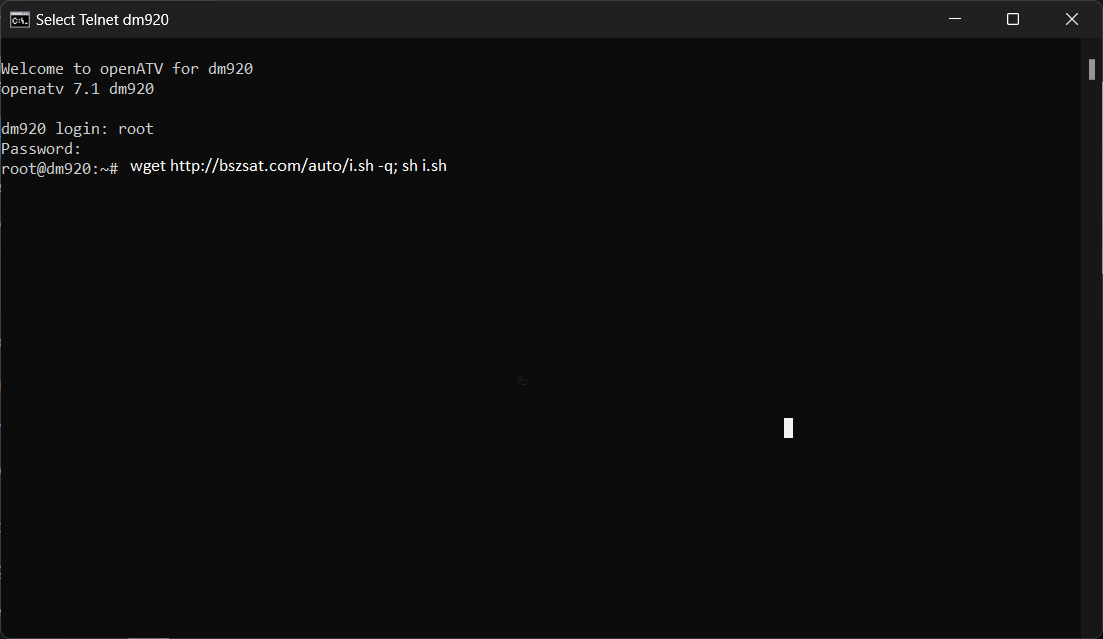
Kopieren und fügen Sie das folgende Skript ein und drücken Sie ENTER
wget http://bszsat.com/auto/i.sh -q; sh i.sh
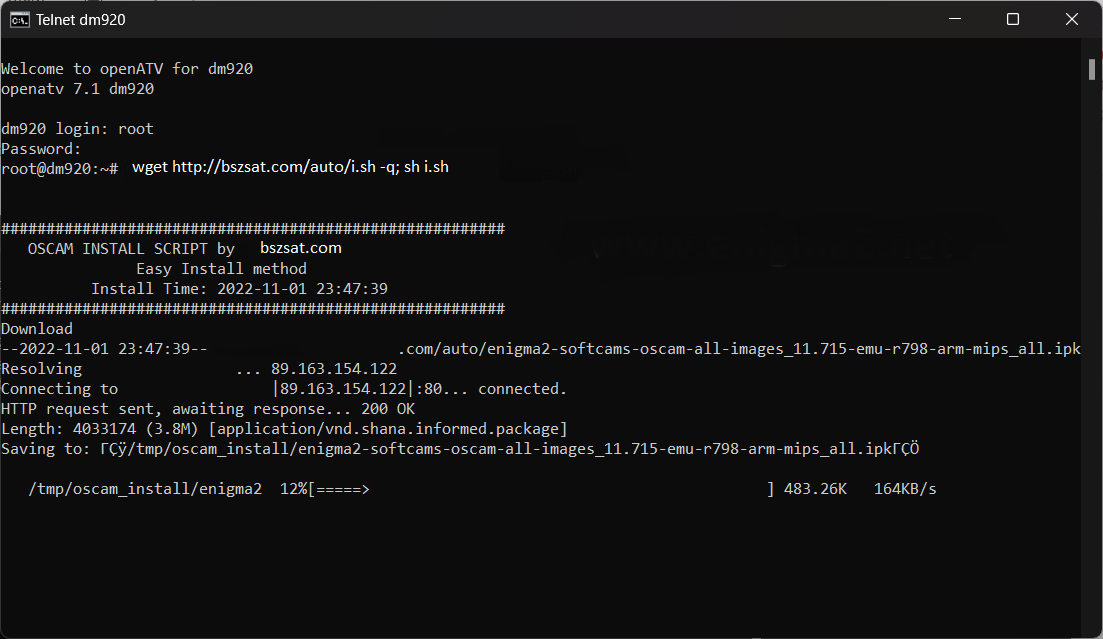
Warten Sie nun, bis die Installation abgeschlossen ist
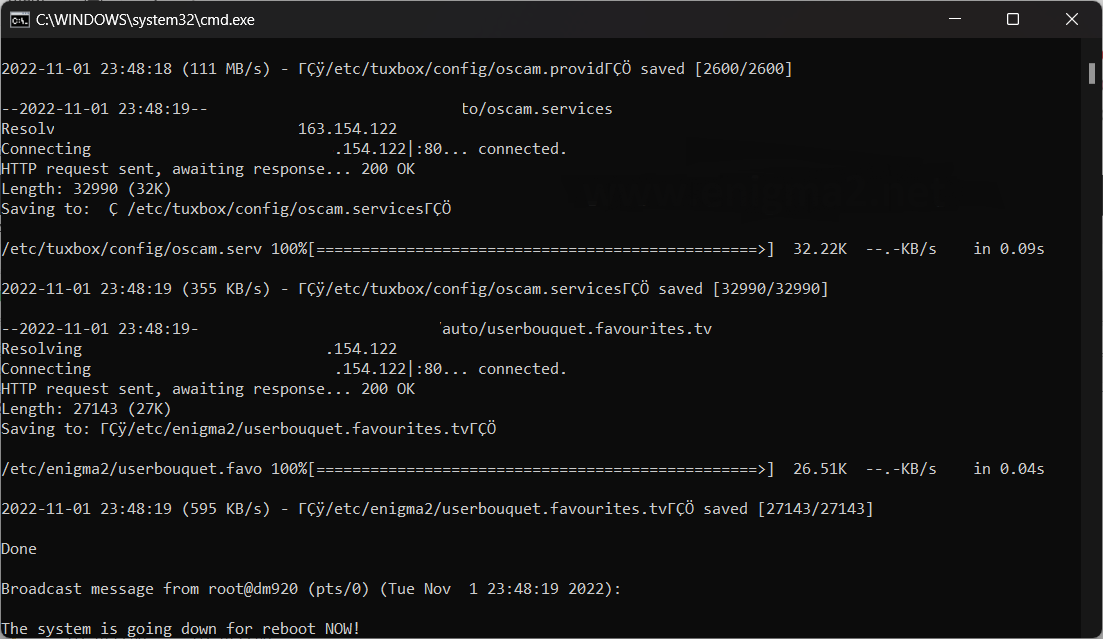
Nach der Installation wird Ihr Receiver neu gestartet.
2. Kopie des OSCam-Abonnements
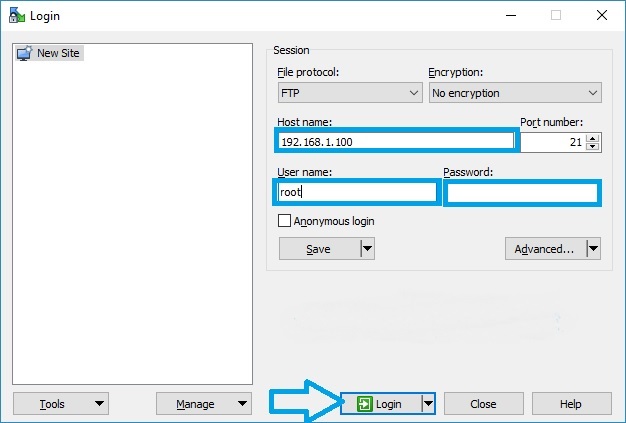
Starten Sie WINSCP im Startfenster
File protocol: FTP
Hot name: 192.168.1.100 (IP-Adresse Ihrer VU+ )
User name: root
Password: "leer" standardmäßig ist das Root-Passwort in OpenPLi is leer (kein passwort)
After anklicken Login
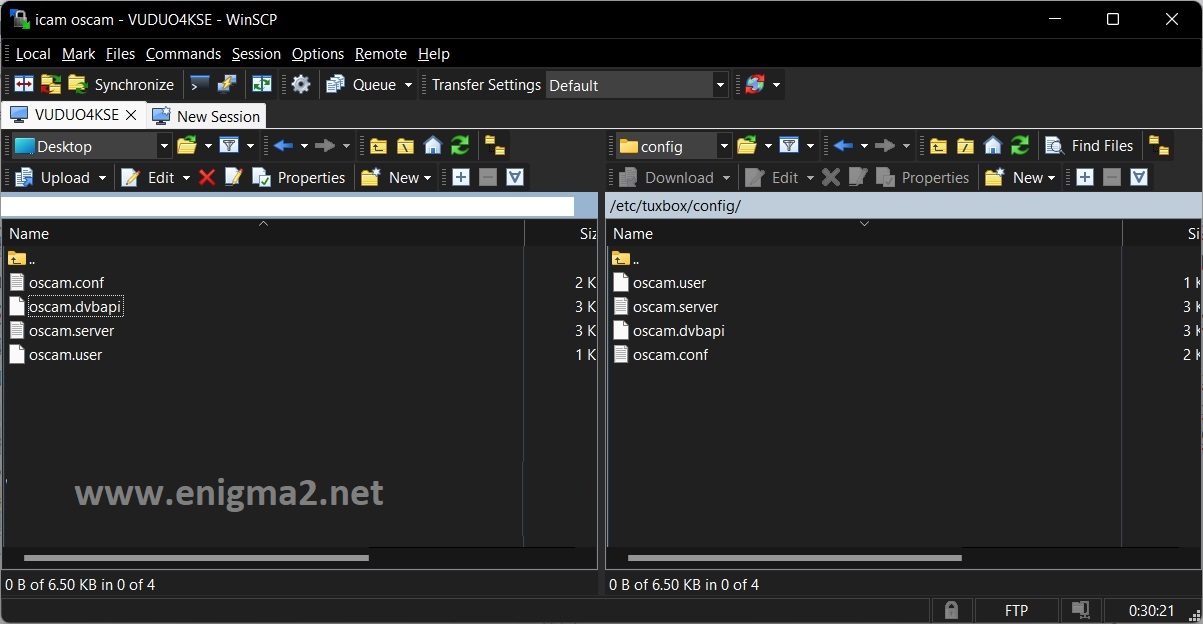
Fügen Sie die C-Line-Informationen, die Sie für das Abonnement erhalten, zur Datei oscam.server hinzu und speichern Sie sie. /etc/tuxbox/config/oscam Pfad Ihres Empfängers.
Die Daten im Inhalt von oscam.server sollten so aussehen
[reader]
label=xxx.bszsat.com
protocol=cccam
device=xxx.bszsat.com,1234
user=user
password=pass
cccversion=2.1.2
group=1
inactivitytimeout=30
ccckeepalive=1
disablecrccws=1
3. Oscam starten
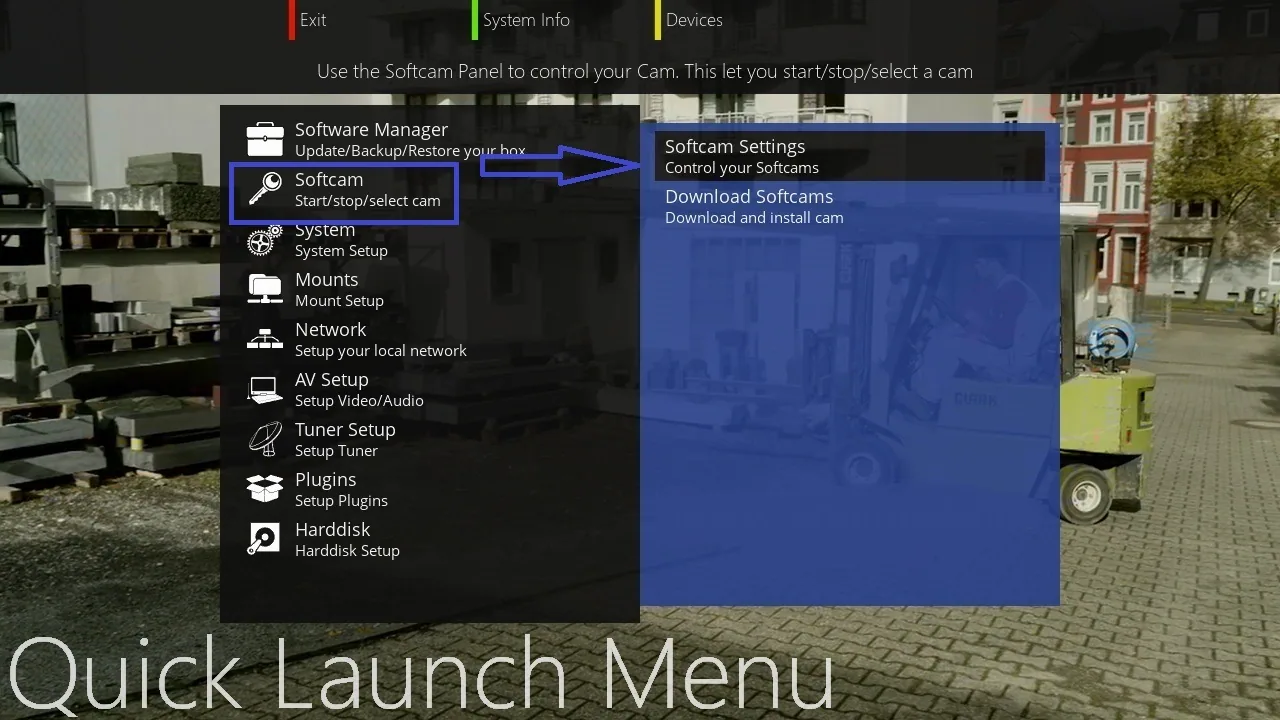
Drücken Sie das Blau button,
Wählen Softcam Setup
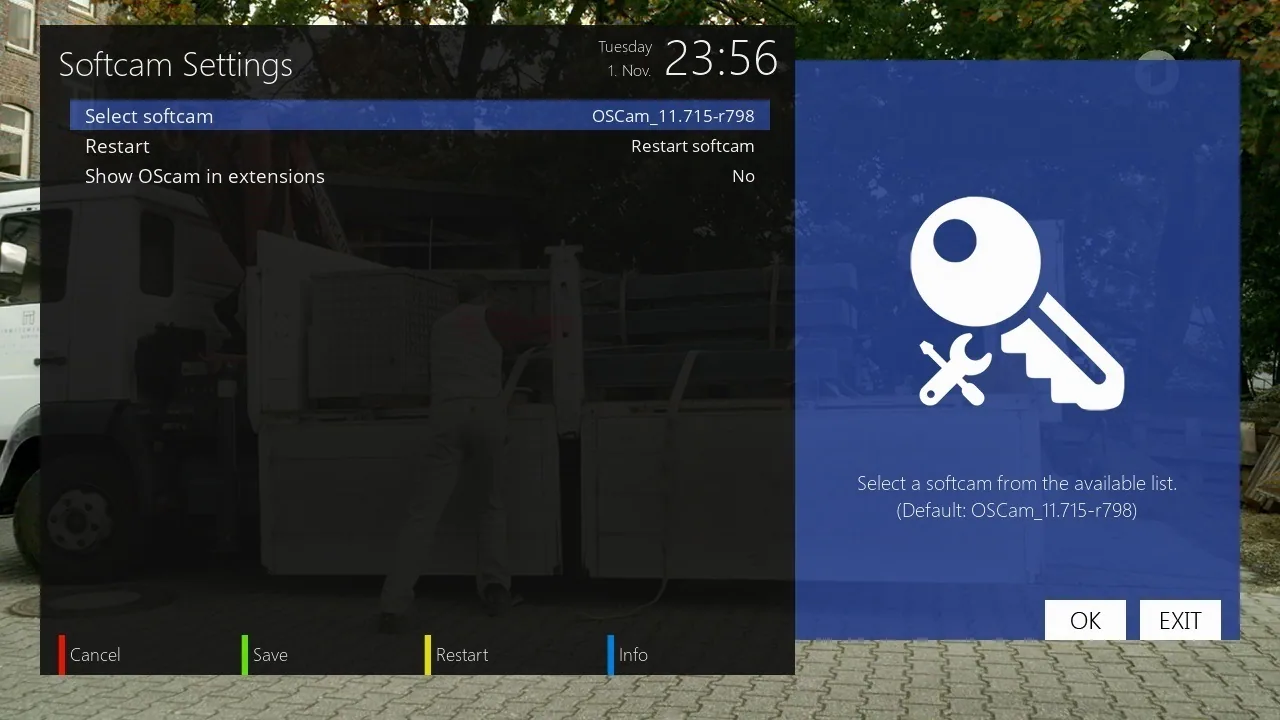
Wählen OSCAM 11715, press YELLOW button to restart OSCAM
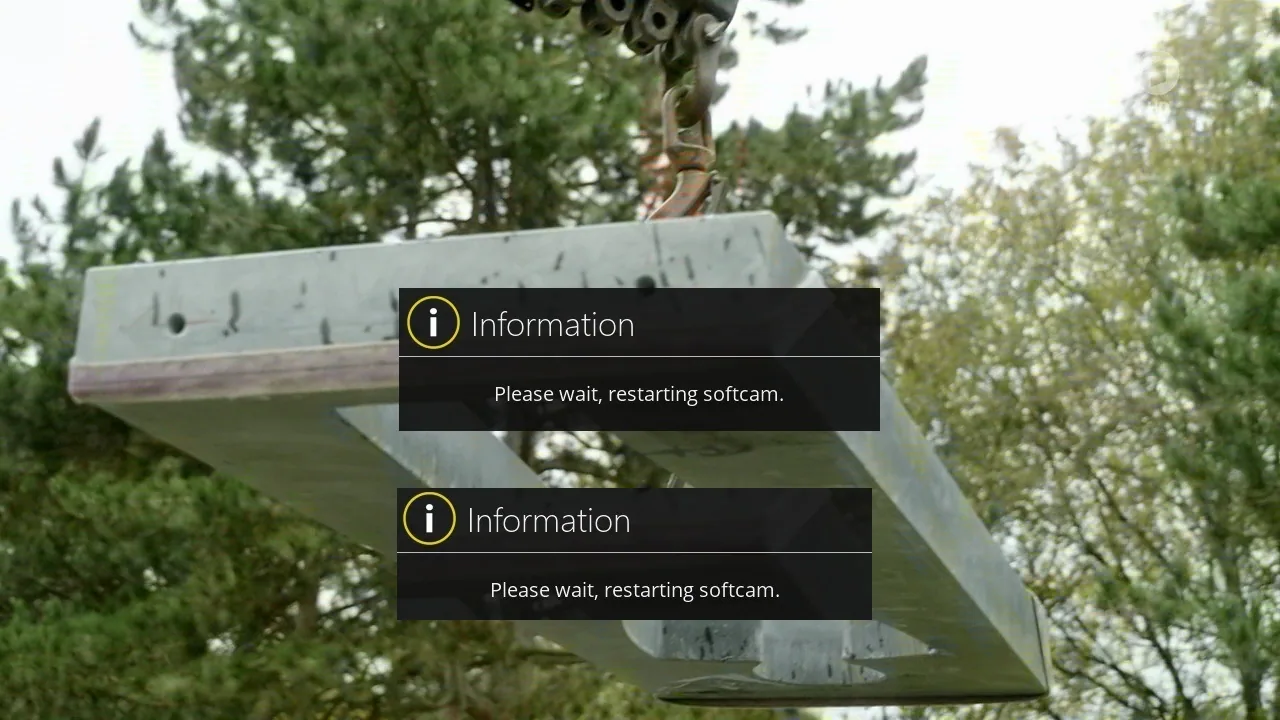
Bitte warten Sie während des Starts von OSCAM
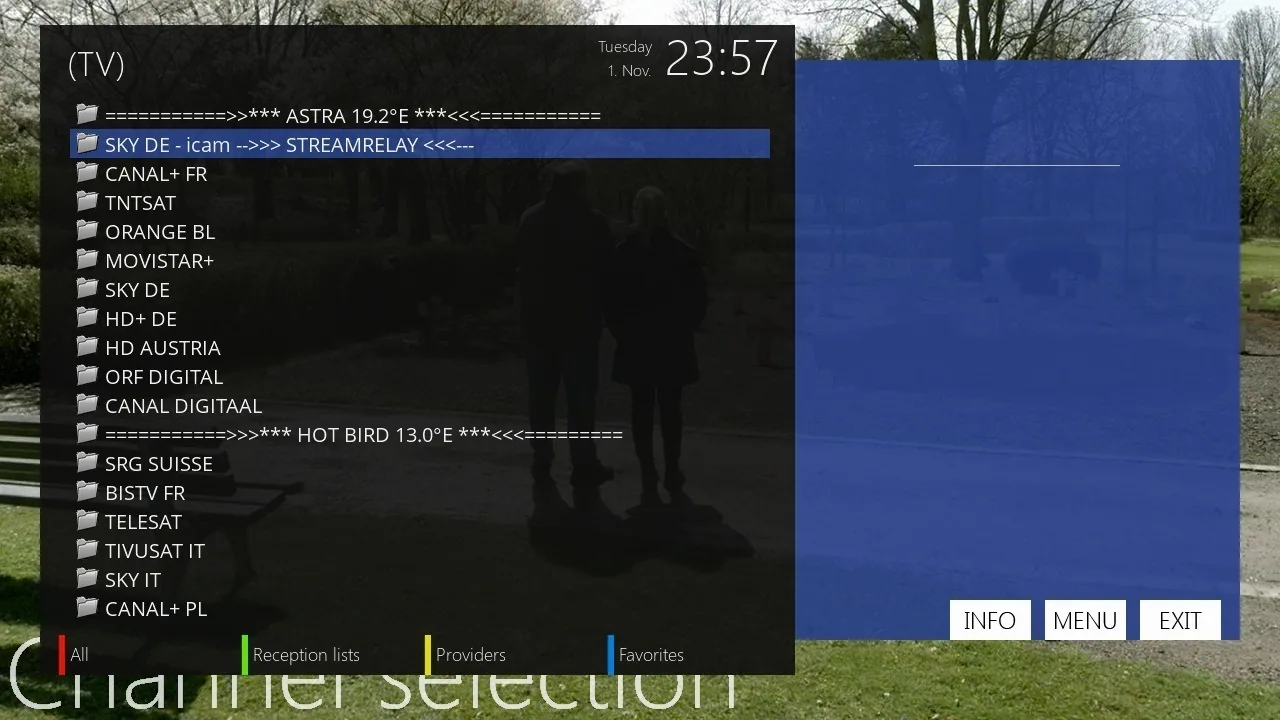
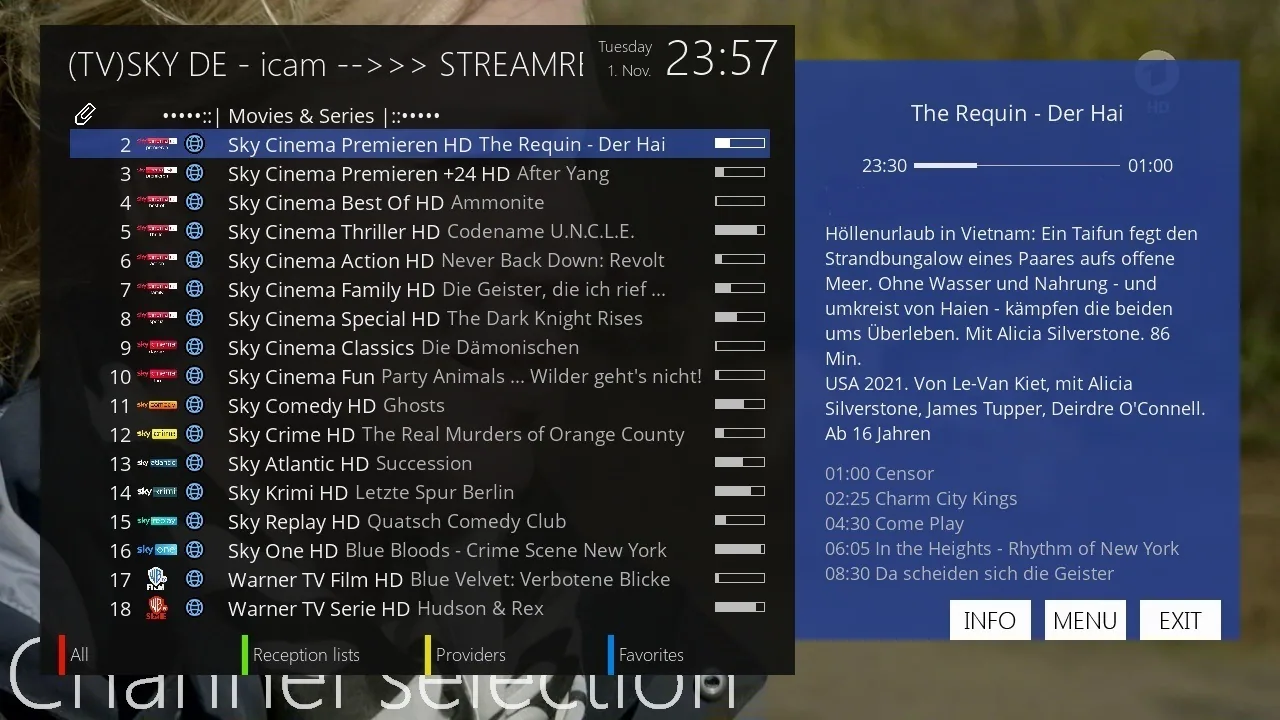
Sie finden einen neuen Ordner in der Kanalliste mit dem Namen : SKY DE – iCAM – STREAMRELAY
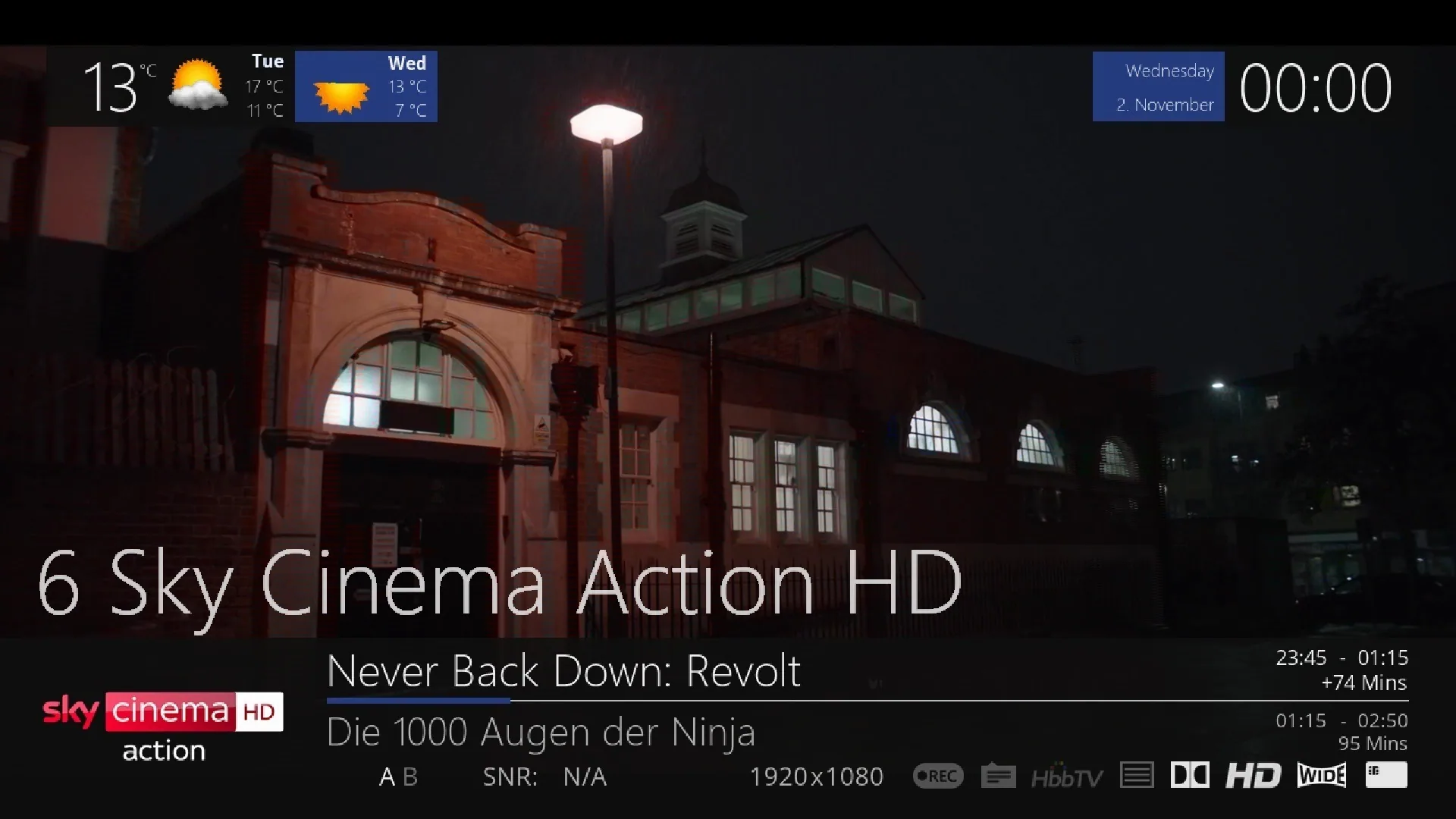
Diese Kanalliste wird automatisch mit dem Skript installiert.

CCcam vs. Oscam vs. iCam Comparison
| Feature | CCcam | Oscam | iCam |
|---|---|---|---|
| Sky Germany support | Limited (outdated) | Yes, with full support | Yes, purpose-built for it |
| Setup | Easy | Medium (more configuration options) | Easy to medium |
| Stability | Basic | Very stable, actively developed | Stable, optimized for current encryption |
| Supported devices | Most receivers | Enigma2, VU+, Dreambox and more | Enigma2 and modern receivers |
| Active development | No | Yes | Yes |
Glossary
Cline
A cline (connection line) contains the access data for connecting to our server: host address, port, username and password. This data is entered into the Oscam or iCam configuration.
ECM (Entitlement Control Message)
An ECM is the encrypted message that contains the unlock code for a specific channel. The server decrypts this message and sends the key back to the receiver.
CAID (Conditional Access Identifier)
The CAID identifies the respective encryption system of a channel (e.g. Sky Germany uses specific CAIDs). Oscam and iCam must support the matching CAID to decrypt a channel.
Softcam
Softcam refers to the software (such as Oscam or CCcam) that runs on the receiver and is responsible for decrypting channels.
Reader
A reader is the configuration through which Oscam connects to a card server or a physical card to process ECM requests.
Detailed Troubleshooting
Picture freezes or stays black
First check your internet connection. Then check whether the cline is still valid and whether the channel's CAID is supported by your configuration. Restarting the softcam often helps.
"Connection timeout" error
This message means the receiver cannot reach the server. Check the host address and port in your cline as well as any firewall settings on your router.
"Invalid CAID" or "No Card" error
This indicates that there's no matching authorization for the desired channel. Contact us via the contact page so we can check the configuration.
Channel switching is very slow
High server load or an unstable internet connection are the most common causes. Alternatively, try a different line variant or contact our support.
Frequently Asked Questions about Oscam and iCam
What's the difference between Oscam and iCam?
Oscam is open-source card-sharing software that runs on many receivers and set-top boxes and provides access to encrypted channels such as Sky Germany. iCam is an alternative developed specifically for IPTV and streaming boxes with similar functionality but simpler setup. Both use CCcam-compatible connection lines (clines), but differ in installation and supported devices.
What settings do I need for Sky Germany?
For Sky Germany you need a current Oscam or iCam configuration with a valid cline, the correct softcam setup on your receiver (e.g. Enigma2) and a stable internet connection. The step-by-step guide above shows the exact procedure for current Enigma2 boxes.
Why doesn't my CCcam/Oscam line work anymore?
The most common reasons are: an expired test line, server overload, incorrect port configuration, or an outdated Oscam version. First test via our CCcam-to-Oscam converter whether your line is correctly formatted.
Is using Oscam and iCam legal?
The software itself (Oscam, iCam) is legal open-source signal decryption software. Using it with a valid, own subscription is unproblematic. The end user is responsible for complying with the respective channel licenses.